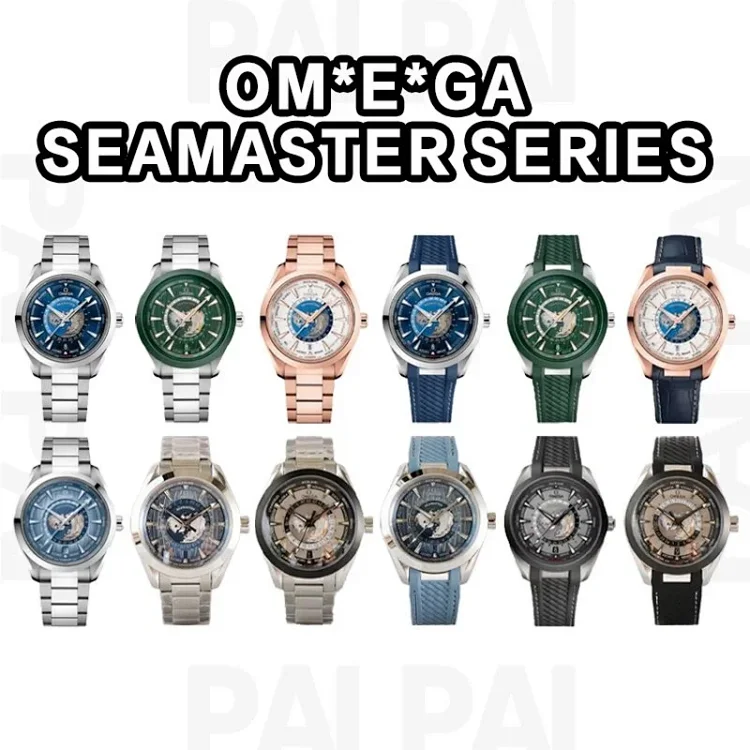
Omega Seamaster
Clear product photos make electronics entries easier to compare before opening.
View itemTech accessories, small gadgets, cases, and desk gear for Oopbuy spreadsheet users.
For tech finds, check photos, product details, price context, and category notes carefully before opening the full product page.
Clear product photos make electronics entries easier to compare before opening.
View item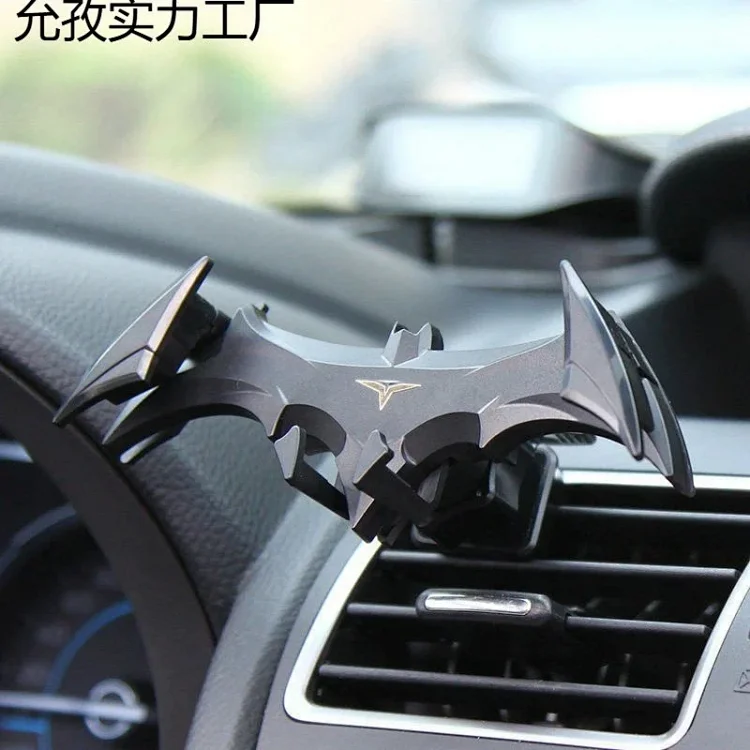
Use visible product images to check packaging, item shape, and details.
Open details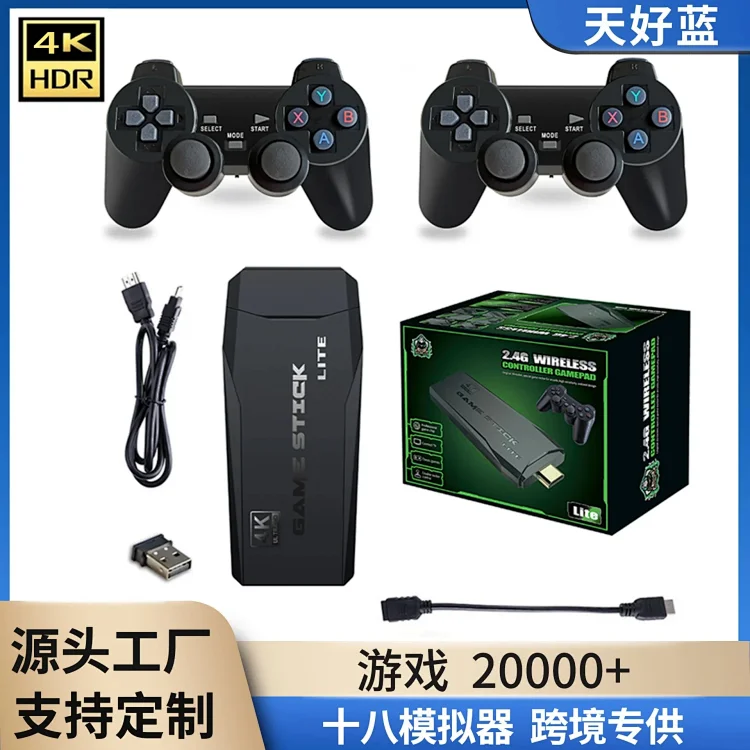
Additional product photos help users inspect details before leaving the category.
View detailsElectronics and gadget listings need more careful review than basic clothing finds because small differences in model, plug type, accessories, battery status, and firmware can change the real buyer experience. Before opening an Oopbuy electronics product, compare the title with the visible photos, check whether the listing shows the exact version you want, and look for signs that the seller has photographed the actual item instead of only using a generic catalog image.
Some electronics may be restricted by batteries, magnets, liquids, fragile glass, or courier rules. A listing can look inexpensive at first but become harder to ship if the warehouse marks it as sensitive cargo. For small gadgets, watch cases, phone holders, and game consoles, plan for extra packaging questions and confirm whether your destination country allows the item through the available shipping lines.
Extra QC photos are useful when you need to confirm a serial-style label, screen condition, cable port, button layout, or the presence of accessories. If the default warehouse photos do not show the detail that affects your decision, request a specific angle before international shipping. It is easier to reject or exchange a warehouse item than to solve a problem after the parcel has left China.